
How to Book a Room at Cove Korea
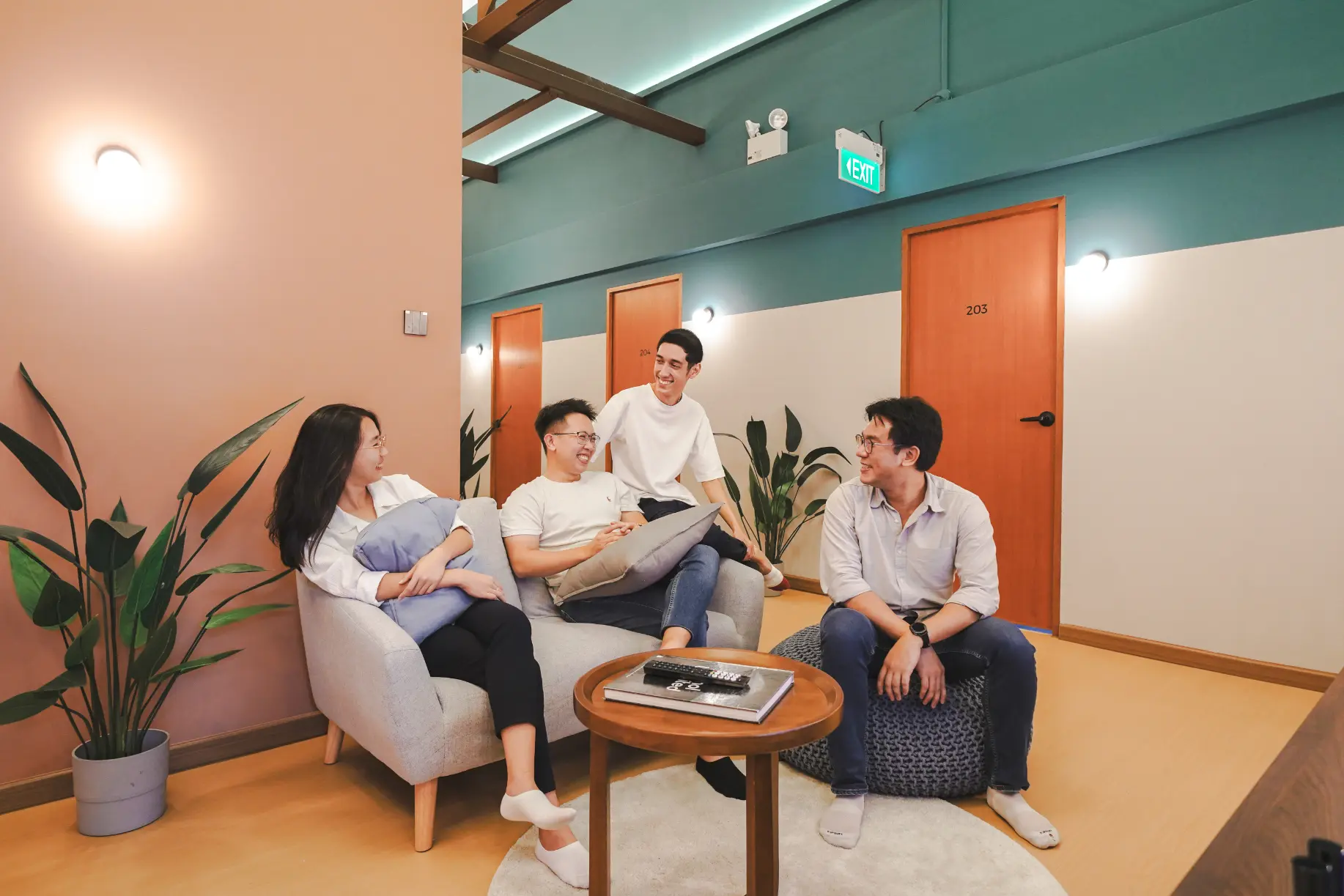
Moving to Seoul is exciting, but finding foreigner-friendly housing can be difficult with the high deposit system (Key money) and language barriers.
Cove simplifies this with flexible terms and English support. Whether you need a short-term stay or a long-term home, here is how to book your room.
1. Browse Listings
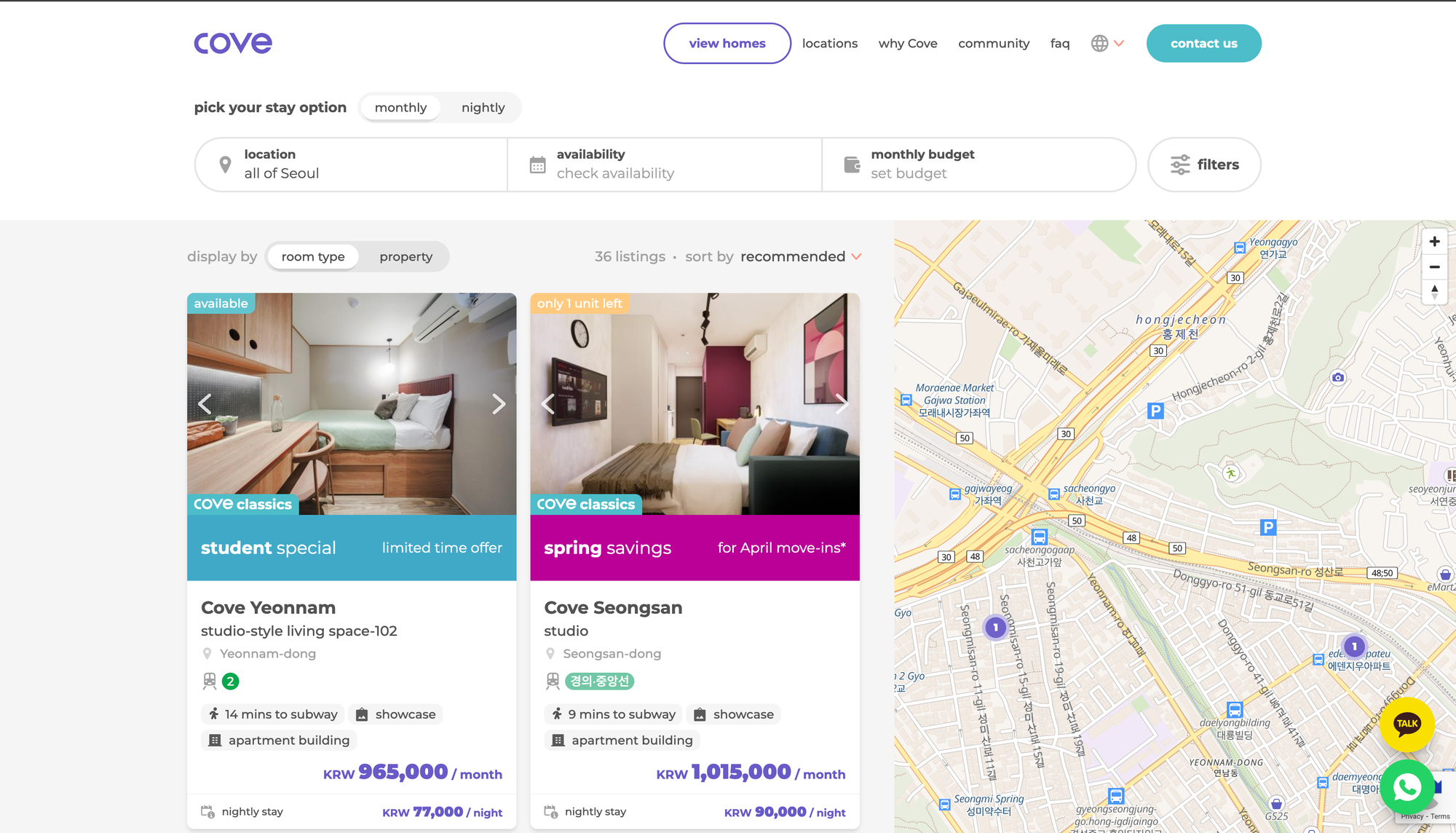
Visit our listings page to start your search. The Korea platform offers flexible options depending on how long you plan to stay.
- Pick Your Stay Option:
- At the top of the search page, use the toggle to select between "Monthly" (for long-term living) or "Nightly" (for short-term stays).
- Tip: This is perfect if you need a temporary place to land while searching for a longer-term apartment.
- Select Location:
- Use the Location filter to choose specific neighborhoods in Seoul (e.g., Yeonnam-dong, Seongsan-dong, or Gangnam).
- Set Budget & Availability:
- Adjust the Budget slider to match your price range.
- Enter your Move-in Date to filter out fully booked units.
- Look for the "New year savings" or "Only 1 month deposit" tags on property cards for the best deals.
2. Check Property Details
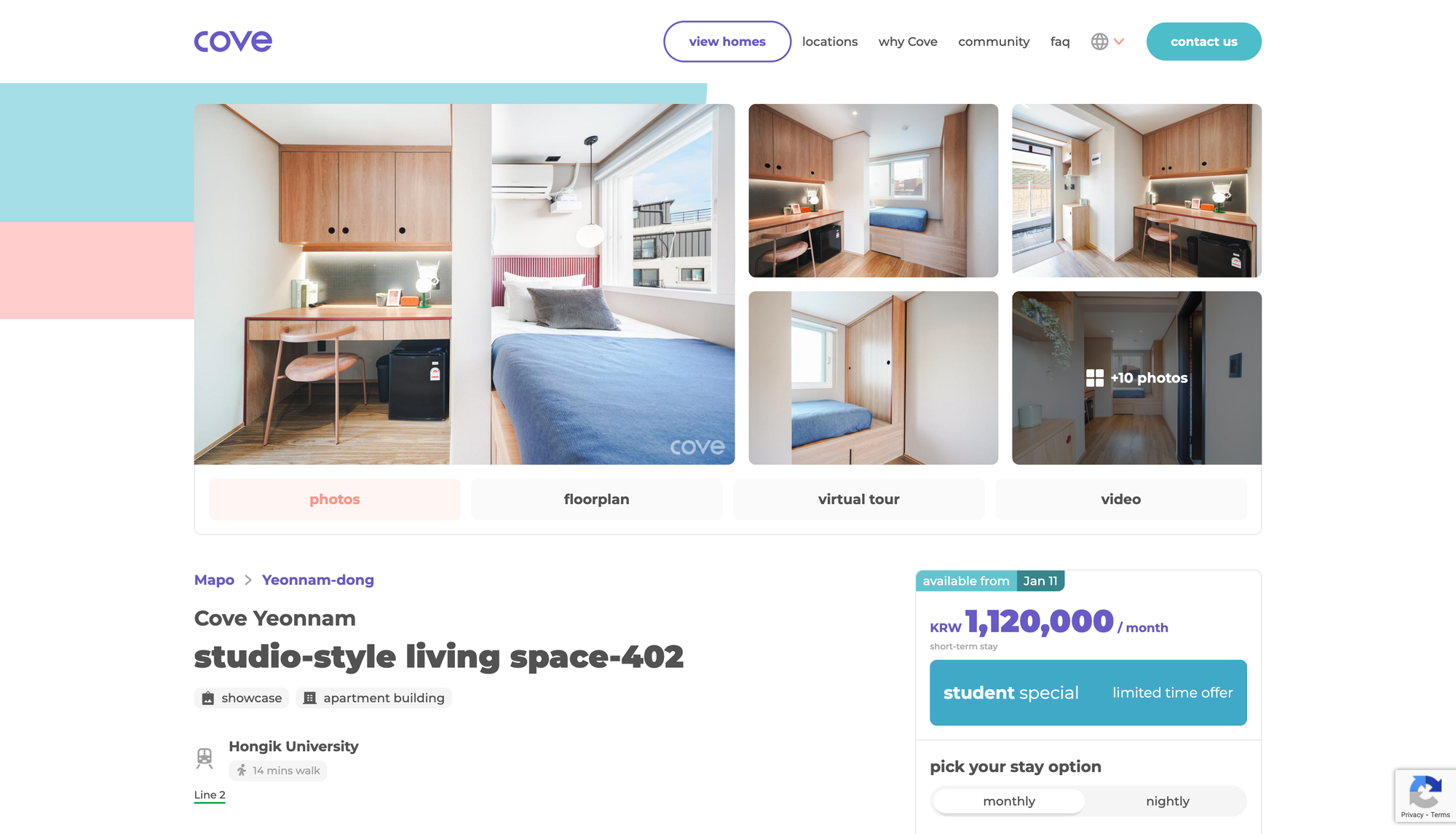
Click on a property to see the full details. You can assess the room and its convenience without visiting in person.
- Seoul life revolves around the subway. Check the bottom of the property card for the subway line icon (e.g., Line 2, Gyeongui-Jungang) and the walking distance (e.g., "9 mins to subway").
- Review the high-quality photos and floor plans to understand the room layout.
- Check the amenities list to see if the unit comes furnished, which saves you from buying furniture upon arrival.
3. Interested? Contact Us to Book
Found the perfect place? Our booking process is direct and English-friendly.
If you are interested, you can reach out to our sales team directly through these channels:
- Chat with Us: Click the KakaoTalk or WhatsApp buttons on the page for a quick, direct chat.
- Submit a Form: Click the "Contact Us" button to send a formal inquiry.